Saturday Morning Call in Dania Beach
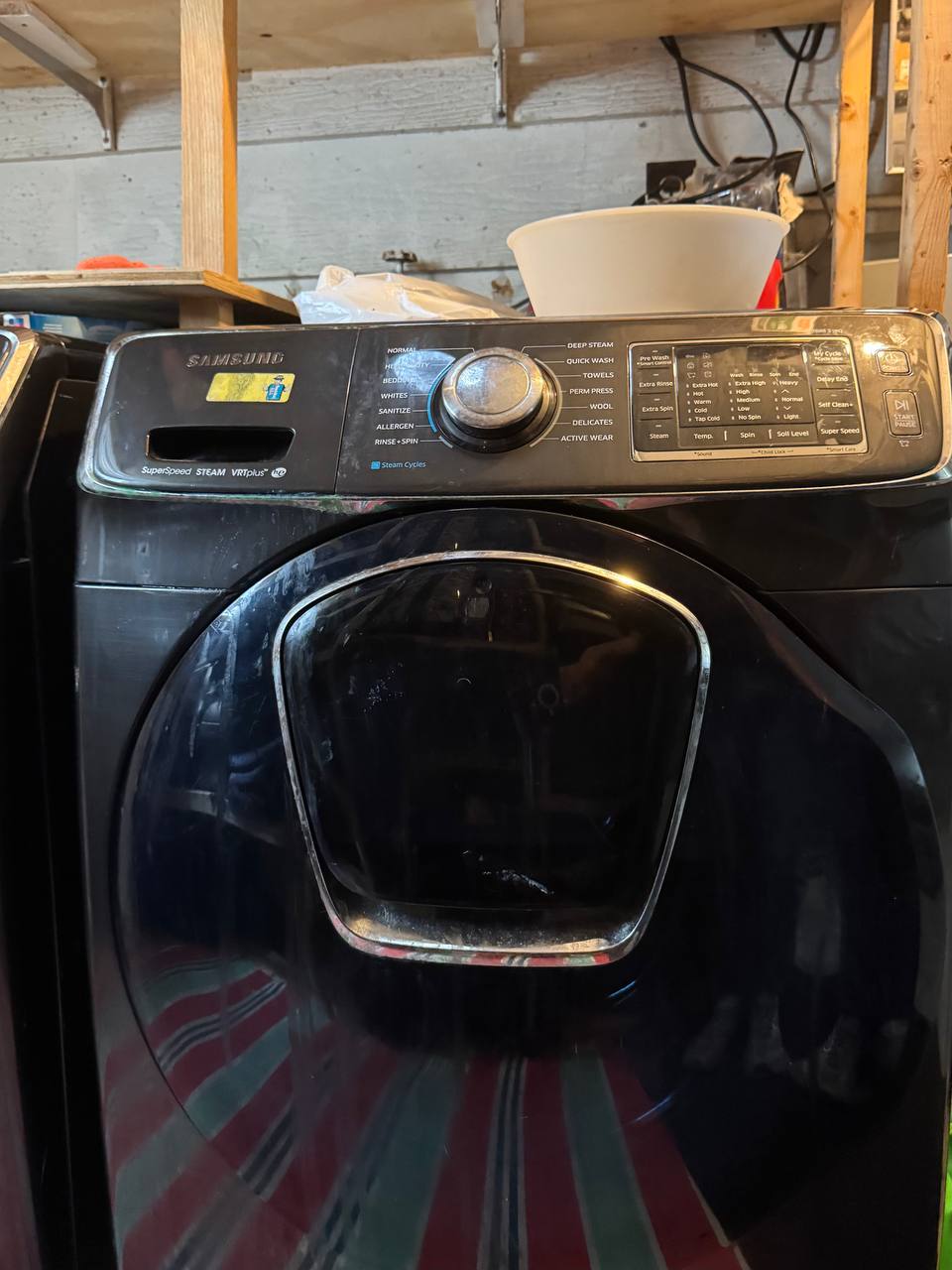
Weekend laundry interruptions are always frustrating, especially when your front-load Samsung washing machine stops mid-cycle with a tub full of soapy water. On Saturday morning, a customer in Dania Beach reached out to iFixExpress reporting that their washer was displaying a drain error code and refusing to pump out water.
Diagnosing the Drain System
When a Samsung washing machine fails to drain, experienced technicians follow a specific order of inspection. Before inspecting the drain pump motor or checking electrical harness continuity, the very first step is checking the accessible debris filter located at the bottom front of the machine.
Clearing the Blockage and Preventative Tips
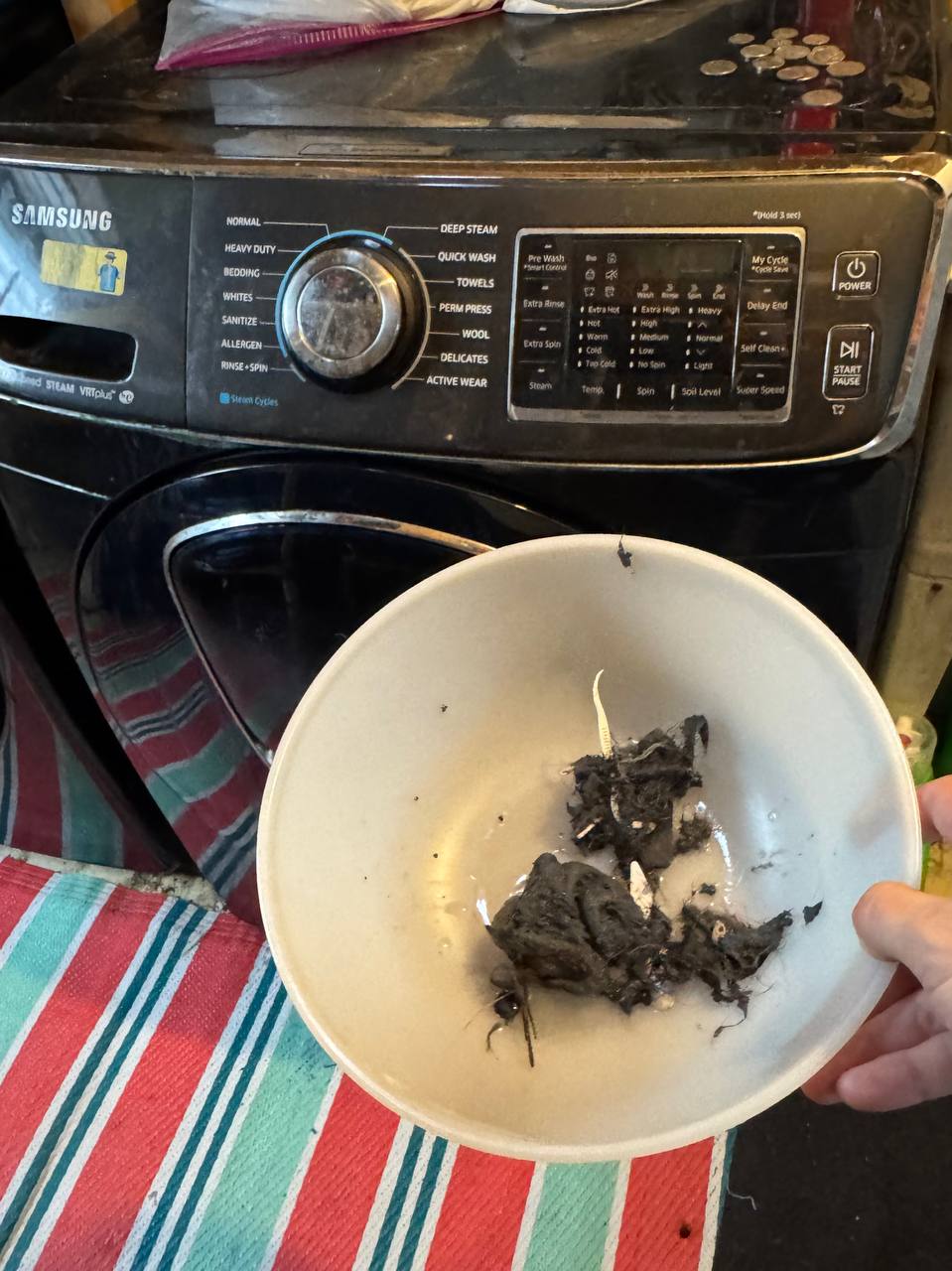
The issue was immediately obvious upon removing the filter core—it was completely choked with trapped debris, completely blocking impeller rotation and restriction channels. I thoroughly washed the filter screen, flushed out the pump housing, and verified the pump impeller rotated freely without mechanical failure.
Technician Tip: Most Samsung front-load washers feature an easy-access drain filter behind a small panel on the front bottom corner. Checking and rinsing this filter every 1–2 months prevents sudden drain failures and protects your drain pump from premature burnouts.
Before packing up for the next call, I walked the homeowner through the step-by-step process of opening the access port and cleaning the filter themselves so they can handle routine maintenance down the road. We ran a quick test drain cycle, confirming fast water evacuation with zero leaks.